

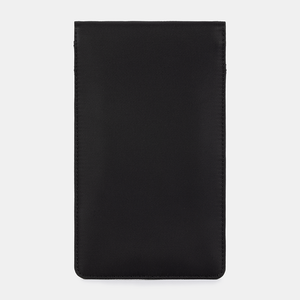
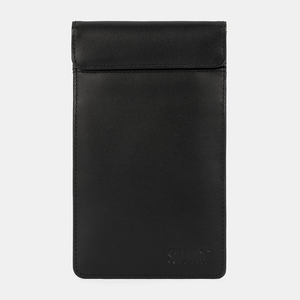
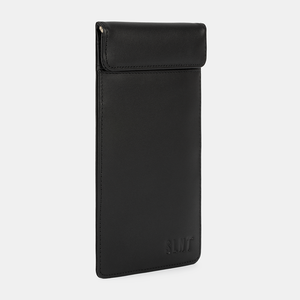
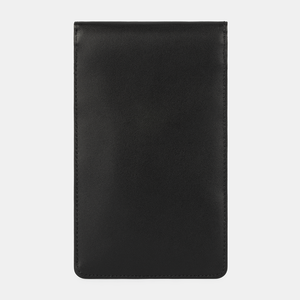
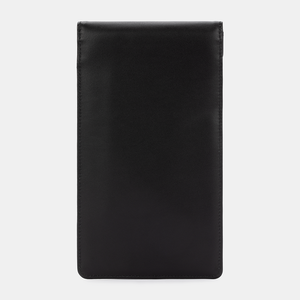
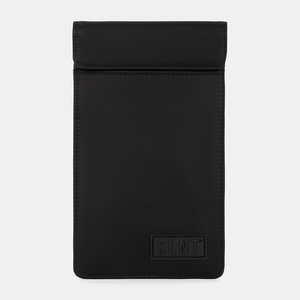
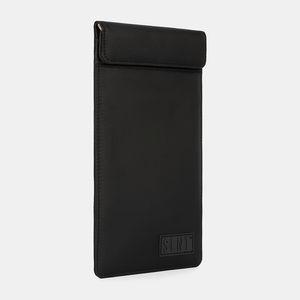




Faraday Phone Sleeve
$79.95 - $99.95
DESCRIPTION
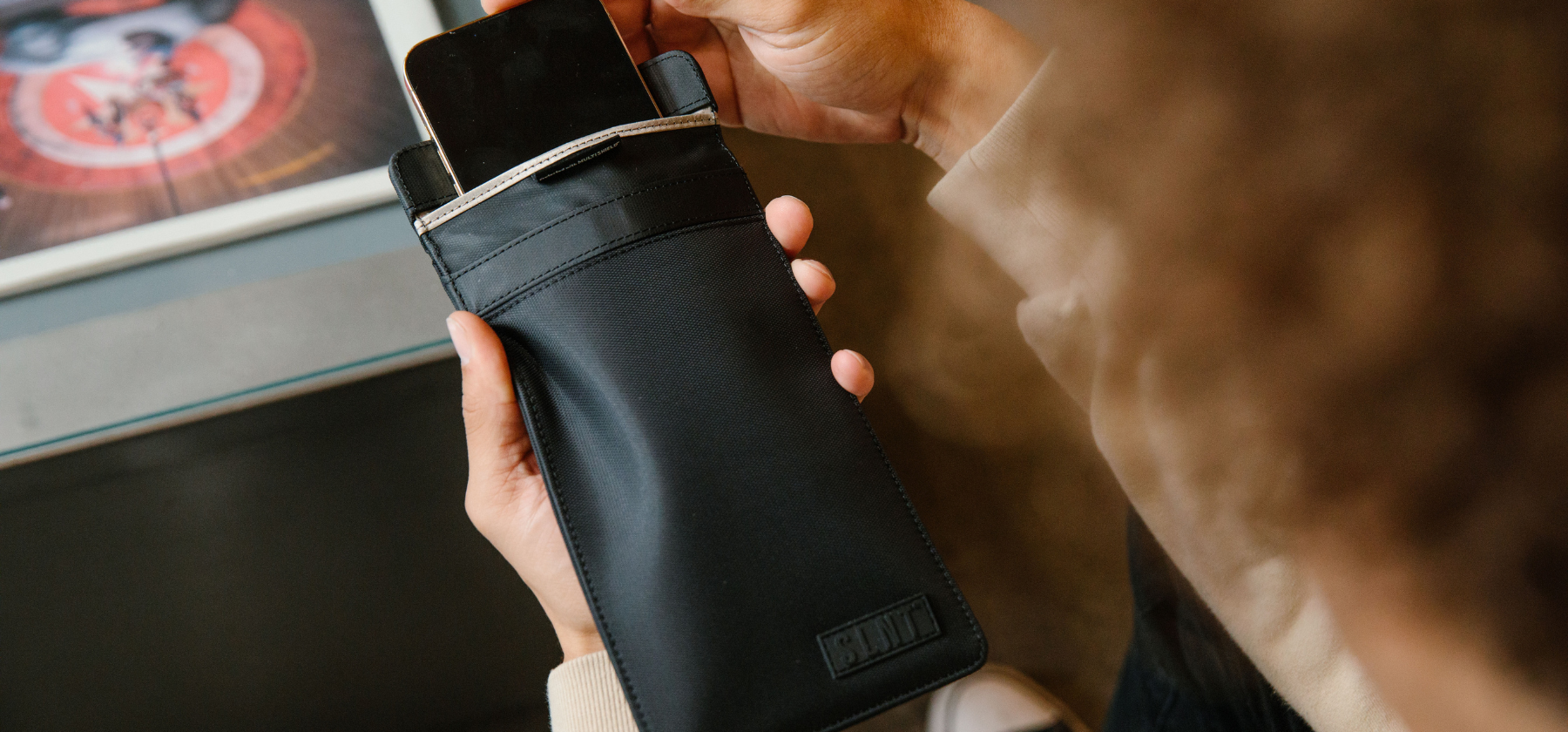
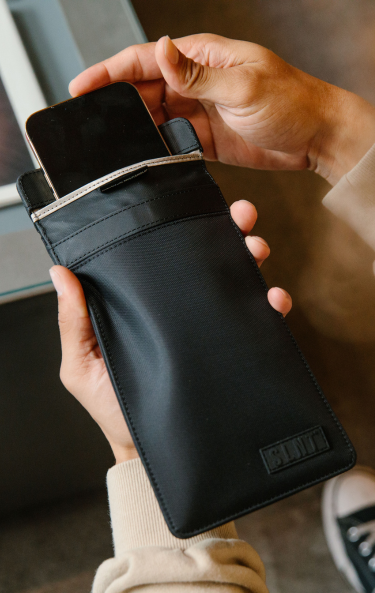
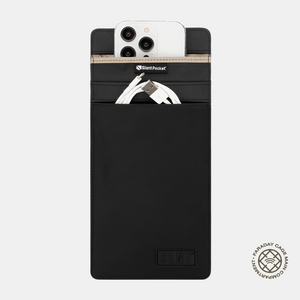
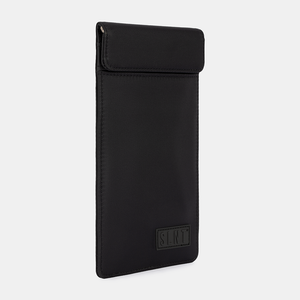
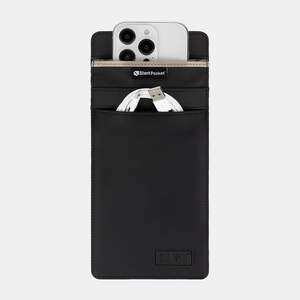
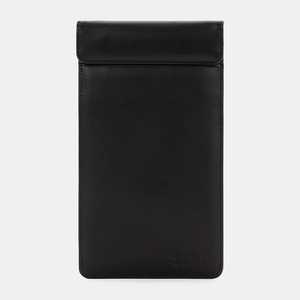
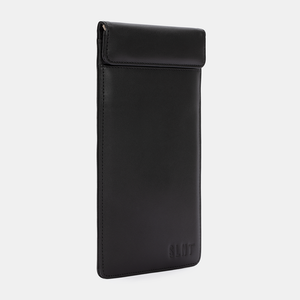
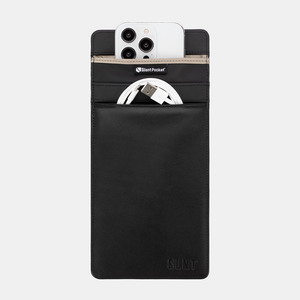
Faraday sleeves are the simplest way to take your phone off the grid without switching it off. Drop it into the main compartment and close the magnetic flap all the way. While it's sealed inside, the sleeve blocks cellular, WiFi, Bluetooth, GPS and NFC signals to and from the phone. No calls, no notifications, no location pings. Take it out and it starts looking for signal again. You decide when the world gets access to you.
Instantly Block: Cellular, WiFi, Bluetooth, GPS, RFID, NFC, Satellite, Navigation, EMP, Solar Flare, Key Fob

KEY FEATURES
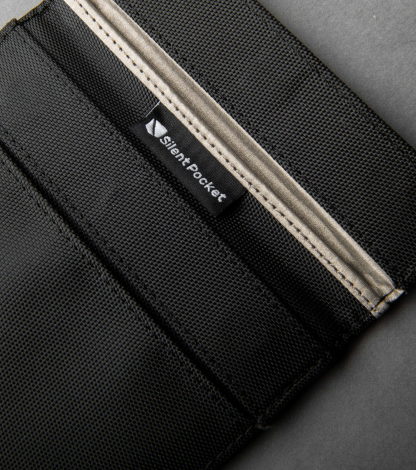
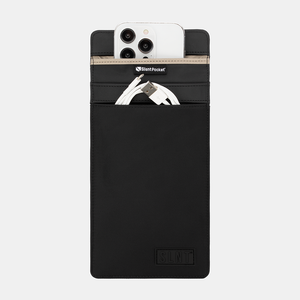
- Patented Silent Pocket® Faraday cage with magnetic closure
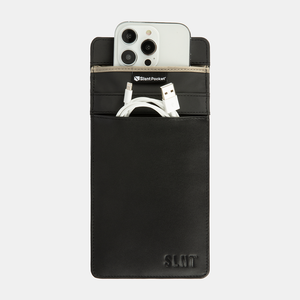
- Front slip-in pocket for storage(Non-signal blocking)
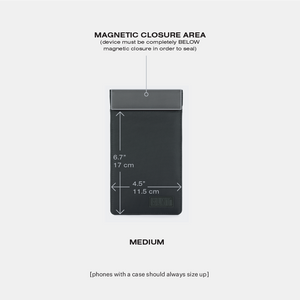
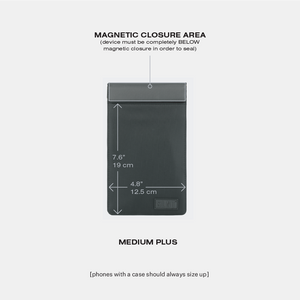
- Available in: Medium, Medium Plus
Great for: Everyday use, traveling, business
SPECIFICATIONS
Materials & Trims
Exterior: 400D Weatherproof Nylon or Top Grain Leather
Lining: Multishield® Faraday Shielding Material
Dimensions
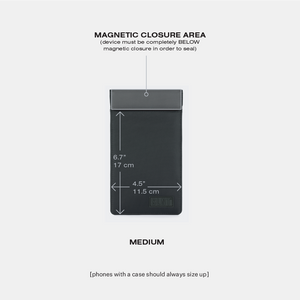
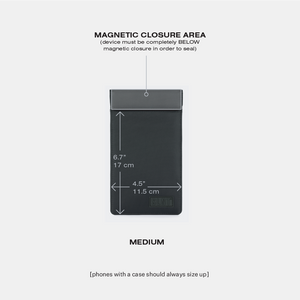
MEDIUM:
External: 8.48 x 5.54 x 0.4 in (21.54 x 14 x 1 cm)
Internal Use: 6.65 x 4.5 in (16.89 x 11.5 cm)
Weight: 0.21 lbs (0.095 kgs)
MEDIUM PLUS:
External: 9.3 x 5.8 x 0.4 in (22.8 x 14.5 x 1 cm)
Internal Use: 7.55 x 4.8 in (19.18 x 12.5 cm)
Weight: 0.21 lbs (0.095 kgs)
FARADAY TECHNOLOGY
The main compartment is a Silent Pocket® Faraday cage lined with Multishield® Faraday shielding material. The lab results below are for that material, tested by Keystone Compliance, an independent test lab. They are not a test of the finished sleeve.
- MIL-STD-188-125-2, 10 kHz to 1 GHz: double- and triple-layer Multishield® samples were reported compliant (Report 2106-125EB, 2021).
- IEEE 299-2006 method, 1 to 40 GHz: a single layer of Multishield® measured 79.8 to 94.9 dB of shielding effectiveness (Report 2203-117EB-2, 2022).
- See the full reports on our testing page.
Silent Pocket® Faraday Technology Instantly Blocks:
- Blocks CDMA, GSM, DCS, PHS, 3G, 4G, 5G, LTE
- Blocks WiFi (2.4 - 5 GHz), Bluetooth (2.4 GHz), and GPS (1-2 GHz)
- Blocks RFID and NFC @ 13.56 MHz
- Shields against EMP, HEMP, CME, Solar Flare, and static shock
- Blocks Carrier, hardware, and OS agnostics


FAQ
-
Smartphones are never really "off" because you cannot remove the power source. In many cases, phones may still be active even though they appear to be turned off. We view this more as "dormant" state, it may still be able to harvest your data or report your location.
Slipping your phone into a Faraday bag creates an electromagnetic barrier between the phone and the Cellular, WiFi, GPS, Bluetooth, RFID networks. You're completely off the grid anywhere anytime!
-
NO. Once your phone is inside of the Faraday bag it's completely unreachable. No headphones or other devices can connect to it. Unfortunately corded headphones won't work either because it would physically disrupt the seal required for complete signal blocking.
-
NO. When your phone is inside a Faraday product your phone will not ring. You will not receive any notifications to your phone while it’s inside the Phone Sleeve. Once the phone is removed from the Faraday bag and receives signal again any missed notifications will populate, similar to once you turn a phone off of Airplane Mode, but missed calls will not register, just missed voicemails.
-
Once you take your phone out of the bag it is instantly looking for signal again. Your devices will not be usable while the device is inside of a Faraday product but we can provide additional security measures to follow when your devices are not inside of a Faraday product to help make sure you’re still protecting your devices.
Here's some tips to keep yourself safe while not using a Faraday bag.
- Avoid using unsecured public Wi-Fi networks, as they can be vulnerable to eavesdropping. If you must use public Wi-Fi, use a VPN and ensure your device's firewall is enabled.
- Regularly review the permissions you've granted to apps on your device. Only grant the necessary permissions and be cautious about apps that request excessive access to your data.
- Enable Two-Factor Authentication (2FA ) wherever possible. This adds an extra layer of security by requiring you to provide a secondary verification method, such as a one-time code sent to your phone, in addition to your password.
- Disable features like Bluetooth, Wi-Fi, and location services when you're not using them to minimize your device's exposure to potential vulnerabilities.